
Step-by-step guide
This article will walk you through accessing Google Workspace Gmail training via Google for Education Applied Digital Skills
Step 1: Go to Google for Education Applied Digital Skills homepage
https://applieddigitalskills.withgoogle.com/s/en/home
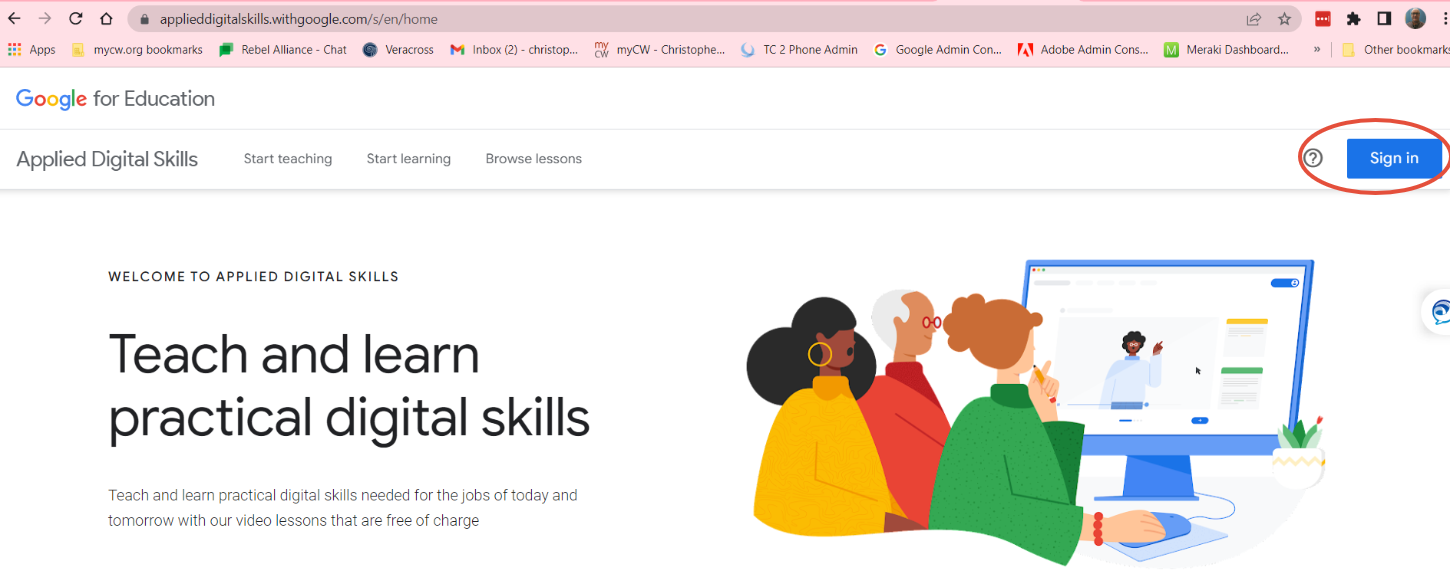
Step 2: Go to Google for Education Applied Digital Skills homepage and select Sign In from upper right corner
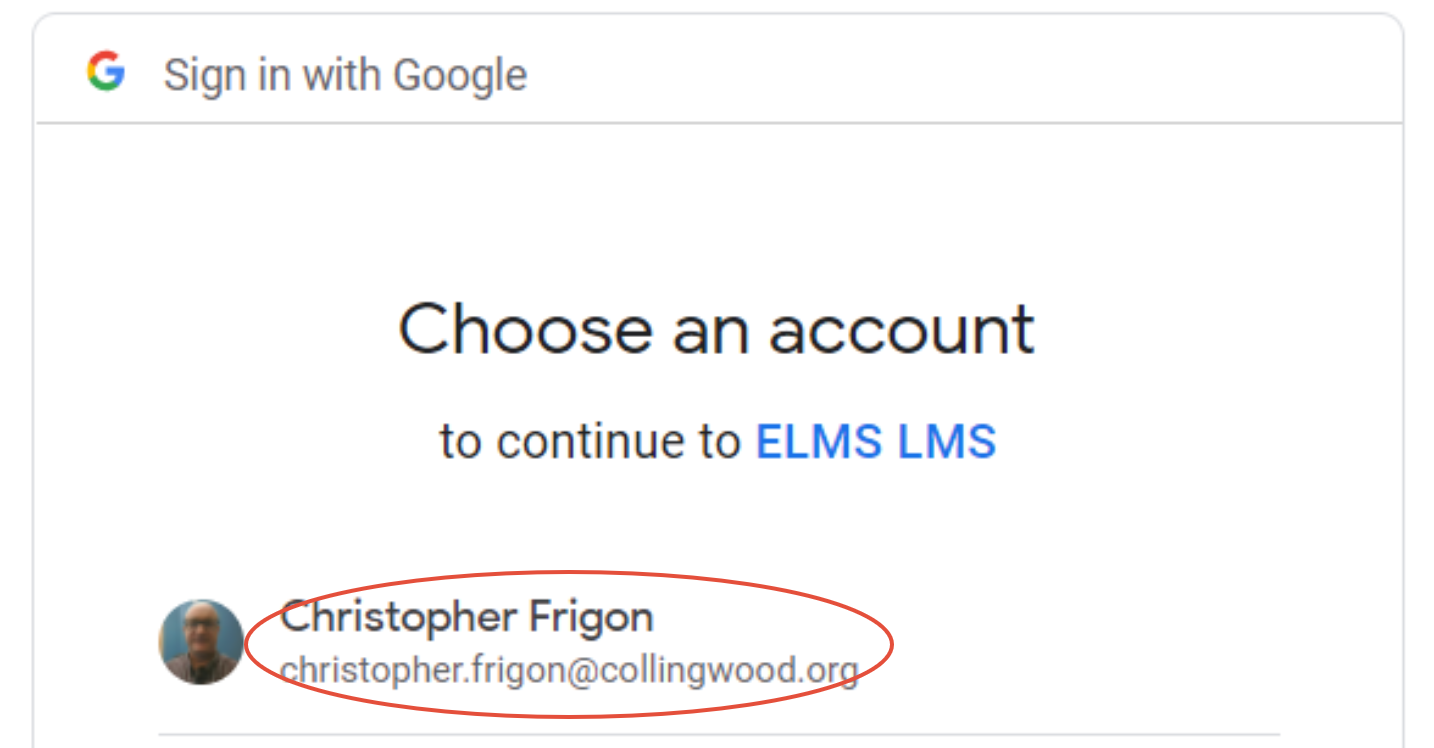
Step 3: Select your Collingwood email account
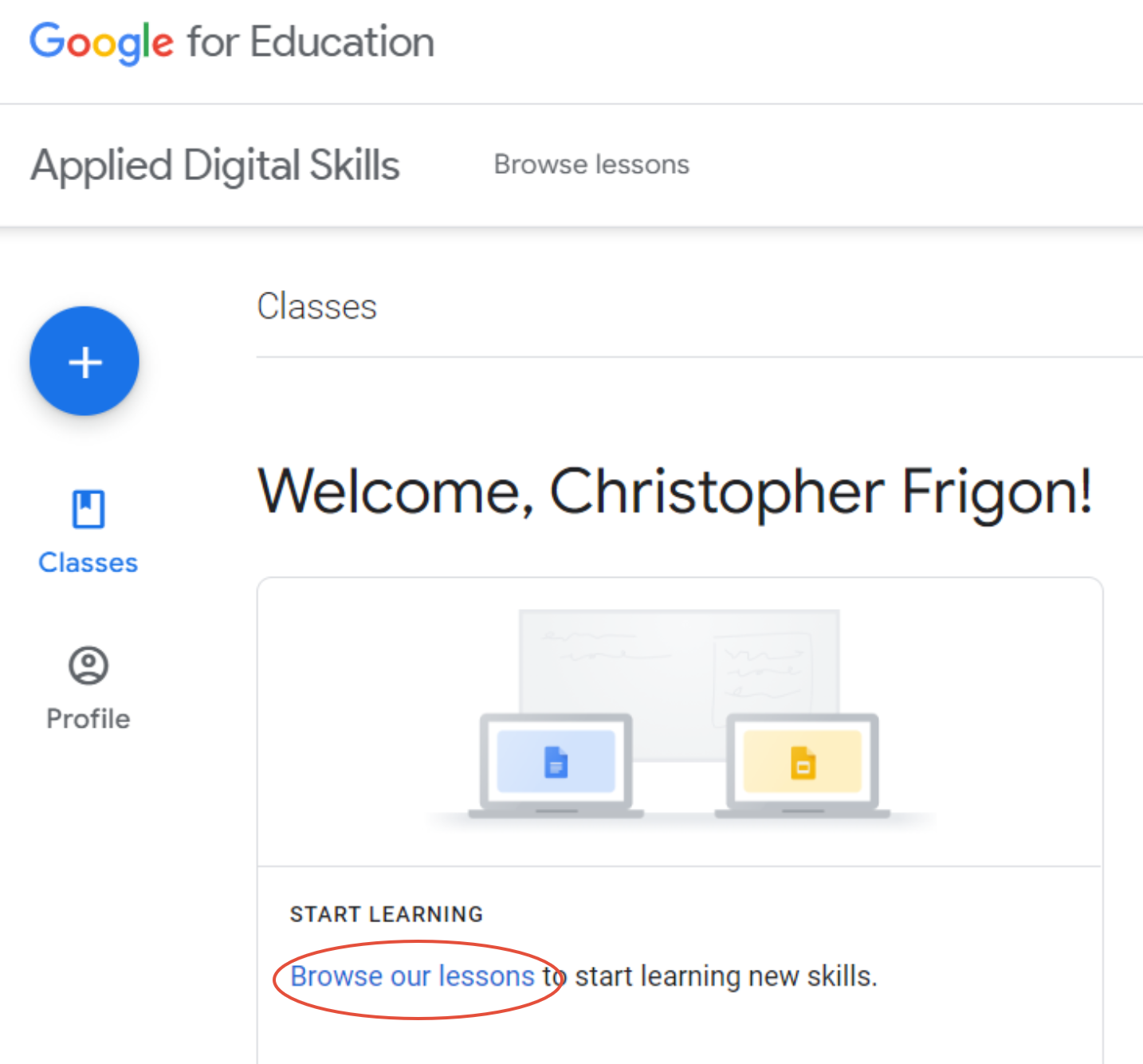
Step 4: Select Browse our lessons
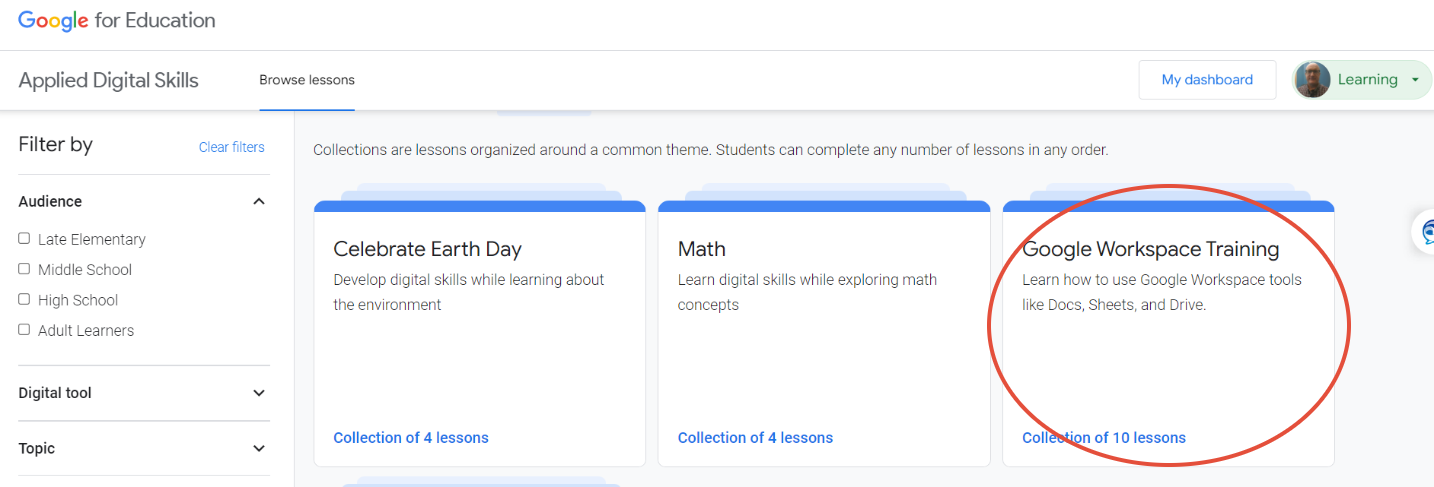
Step 5: Select Google Workspace Training
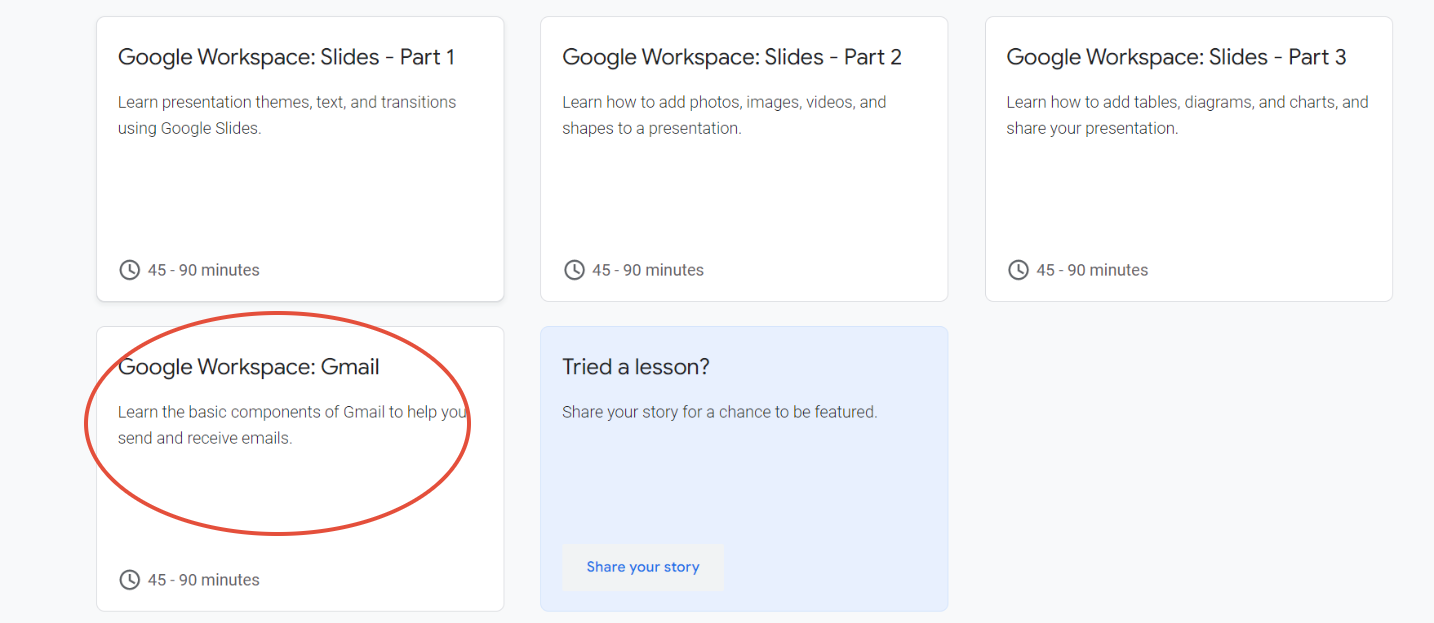
Step 6: Scroll down and Select Google Workspace Gmail
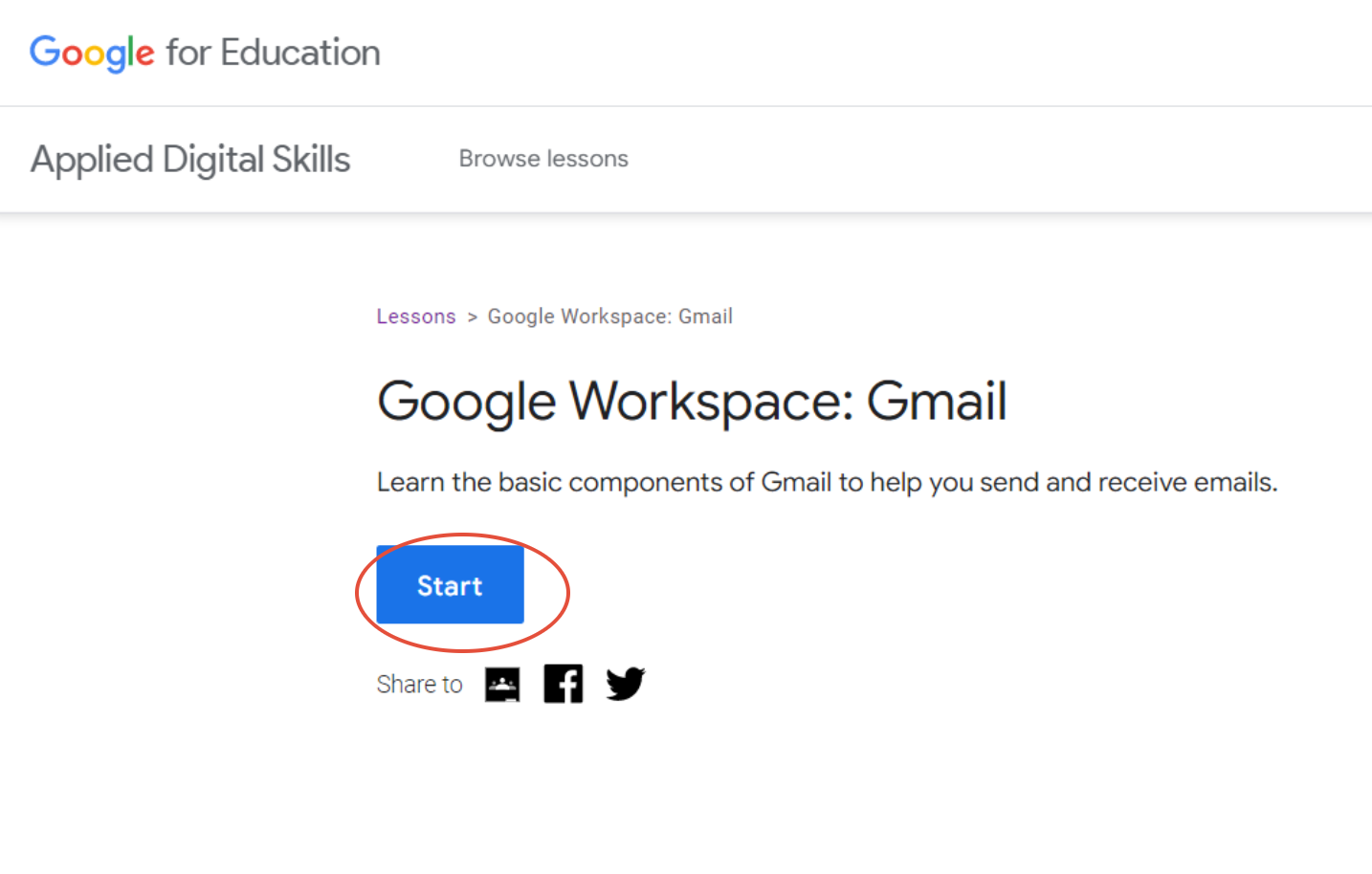
Step 7: Select Start and enjoy you training
Step 9: The direct link to this course is: